Creator Images
Turn a portrait, travel shot, character frame, or social visual into a short motion clip. Keep the source image as the anchor, then add simple camera and subject movement.
Upload a photo or picture and turn it into a short AI video on IMGVID.ai. Start free with 5 credits, use optional motion guidance, and keep the source image at the center of the workflow.
Start free with 5 credits at signup, use 3 for your first short video, then come back tomorrow to claim 1 free credit and create another one.
Example gallery
Static preview. Live tool on next page.
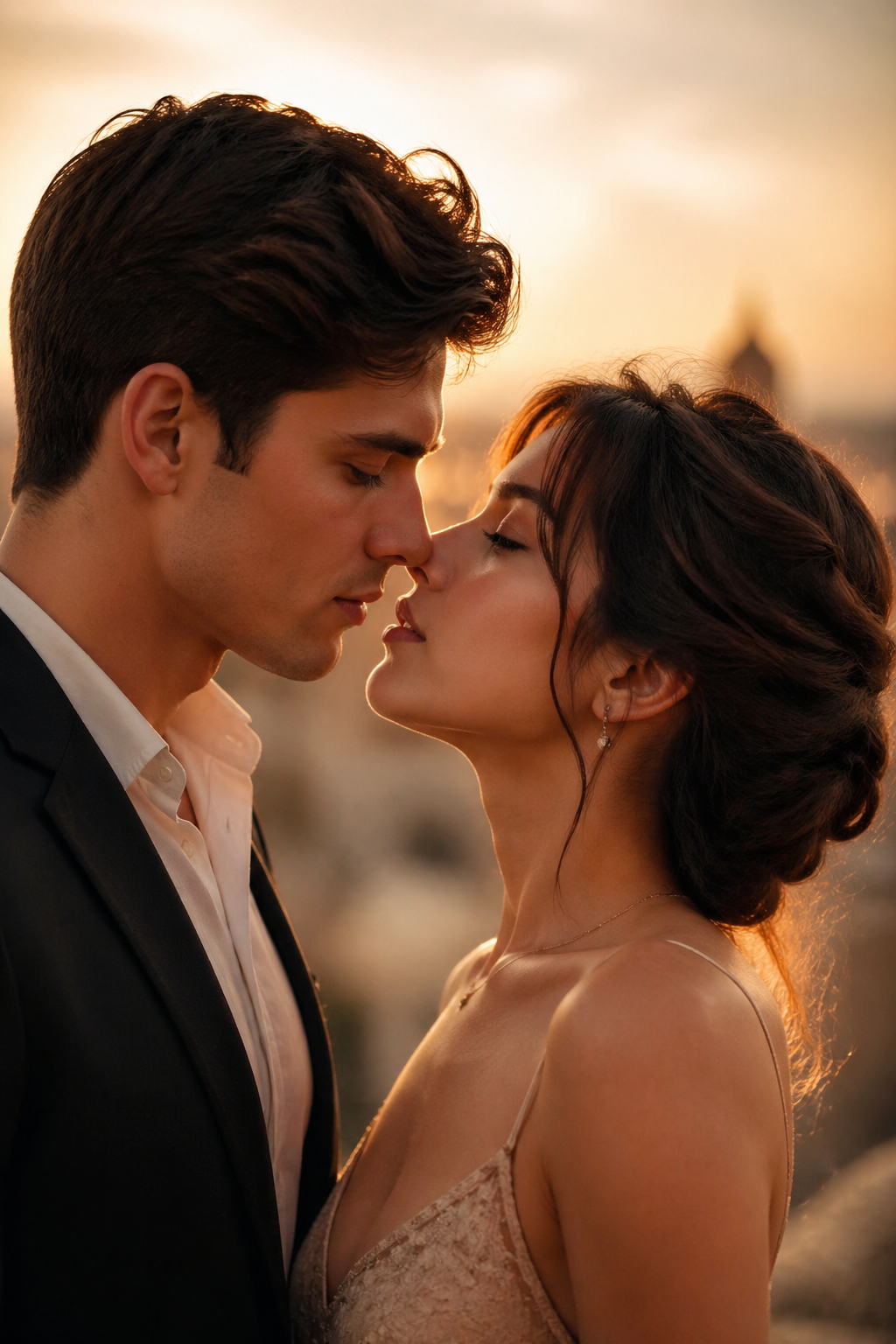
Turn one image into a short AI video
Click any example to open the generator.
5 free credits to start. Your first short video uses 3 credits, and you can claim 1 free credit tomorrow for another try.
Image to Video AI
Keep the homepage handoff simple: upload one image, describe the motion, and continue in the focused image-to-video tool.
Upload one image and render a short AI video with optional motion guidance.
Start with 5 free credits, use 3 for a first short video, then claim 1 free credit tomorrow to unlock a second try.
Turn a portrait, memory photo, lifestyle image, or creator shot into motion with a photo to video workflow.
Use the broad image-to-video entry when the source is a photo, product image, PNG, sketch, poster, or storyboard frame.
Use the non-photo tool entry for PNG graphics, sketches, illustrations, posters, and concept art.
Start with a source image you already have. Add a short motion prompt, choose the low-cost trial model, and generate a first image-to-video clip.
Explore premium scenario pages when you want more direction before opening the live image-to-video workflow.
Upload the source image, then add motion, camera, and pacing guidance to create a short AI video.
Use IMGVID.ai to turn a still image into a motion-rich clip, add optional story guidance, and choose the right model for the tone you want.
Start from a single image and turn it into a cinematic clip with motion, atmosphere, and story-first framing.
Add short story guidance when you want tighter motion, mood, or camera direction without making text the whole workflow.
Choose the model that fits your shot, from polished motion direction to flexible image-to-video generation.
Go from a still image to a first motion clip in minutes
Your uploads and generations stay tied to your own workspace
Track every generation from submit to finished result
Upload a still image, add an optional prompt, choose a model, and generate a cinematic story clip.
Start with the visual source. Add a single image so motion, framing, and continuity can anchor to a real scene.
Describe emotion, motion, or camera intent when you want stronger story direction. If not, IMGVID.ai can still generate from the image-first workflow.
Select the model that best fits your output. Use Seedance 2.0 for flexible image-to-video generation or Veo 3.1 for polished motion direction.
Render a short trial clip first, review the result, and use paid credits for longer or higher-resolution output.
Image to Video AI
IMGVID.ai is built for people who want a focused image to video generator. Upload one still image, describe the motion you want, and create a short clip without starting from a long text-only prompt.
Turn a portrait, travel shot, character frame, or social visual into a short motion clip. Keep the source image as the anchor, then add simple camera and subject movement.
Animate a clean product shot when you need a quick reveal, slow orbit, or lightweight product motion test. Keep this as a use case of image-to-video instead of a separate homepage promise.
Use a poster, concept frame, or storyboard image as the first frame for video. Short prompts such as slow push-in, gentle pan, or subtle background motion are enough to start.
This workflow is designed for people searching for image to video AI, AI image to video generator, or a free starter test before buying credits.
Sign up to get 5 free credits. Your first short video uses 3 credits, and daily check-in gives you 1 free credit so you can come back for another real test.
Start with a clear JPG, PNG, or WEBP. A stable subject and simple background usually produce a cleaner image-to-video result.
Add a short prompt for camera movement, subject motion, pace, or mood. Keep it focused so the model understands what should move.
Start with the low-cost trial model for a first short clip, then upgrade model, duration, or quality when the result is worth refining.
Render a short trial clip first, review the result, and use paid credits for longer or higher-resolution output.
Keep discovery paths close to the core generator. These links support the same upload-first image-to-video intent instead of splitting the homepage across unrelated AI tools.
Open the live generator when the source image is ready and you want to render motion.
Start with 5 free credits, create one short trial video, then come back tomorrow to claim 1 free credit for a second try.
Use the photo-focused page when the uploaded image is a portrait, memory photo, or lifestyle shot.
Use the broad image-to-video entry when the source can be a photo, product image, PNG, sketch, poster, or storyboard frame.
Use the non-photo tool entry for PNG graphics, sketches, illustrations, posters, and concept art.
Start free, come back tomorrow for 1 more credit, then upgrade only when the workflow proves useful
Basic Plan
HD video generation
Fast generation speed
No watermark
Commercial use license
Priority support
API access
Pro Plan
HD video generation
Fast generation speed
No watermark
Commercial use license
Priority support
API access
Ultimate Plan
HD video generation
Fast generation speed
No watermark
Commercial use license
Priority support
API access
Upload a photo, keep prompts optional, and generate image-first story clips with truthful credit-based pricing.
Ready in 2-5 minutes
Answers for creators comparing photo-to-video, story-from-image, and free-credit workflows.
Still have questions? Contact us atsupport@imgvid.ai
 IMGVID.ai