
Shot direction
Wide, close-up, reveal, orbit, push-in, or crane-up.
Cinematic keyframe to movie shot workflow
Upload a film still, storyboard frame, poster, or product scene, then define one shot direction, one camera move, lighting, atmosphere, and the dramatic beat you want the clip to express.
Wide, close-up, reveal, orbit, push-in, or crane-up.
Name one movement such as dolly-in, orbit, crane-up, or handheld drift.
Practical lights, haze, rim light, contrast, and depth.
Keep the keyframe identity stable before stitching clips.
Cinematic shot stage
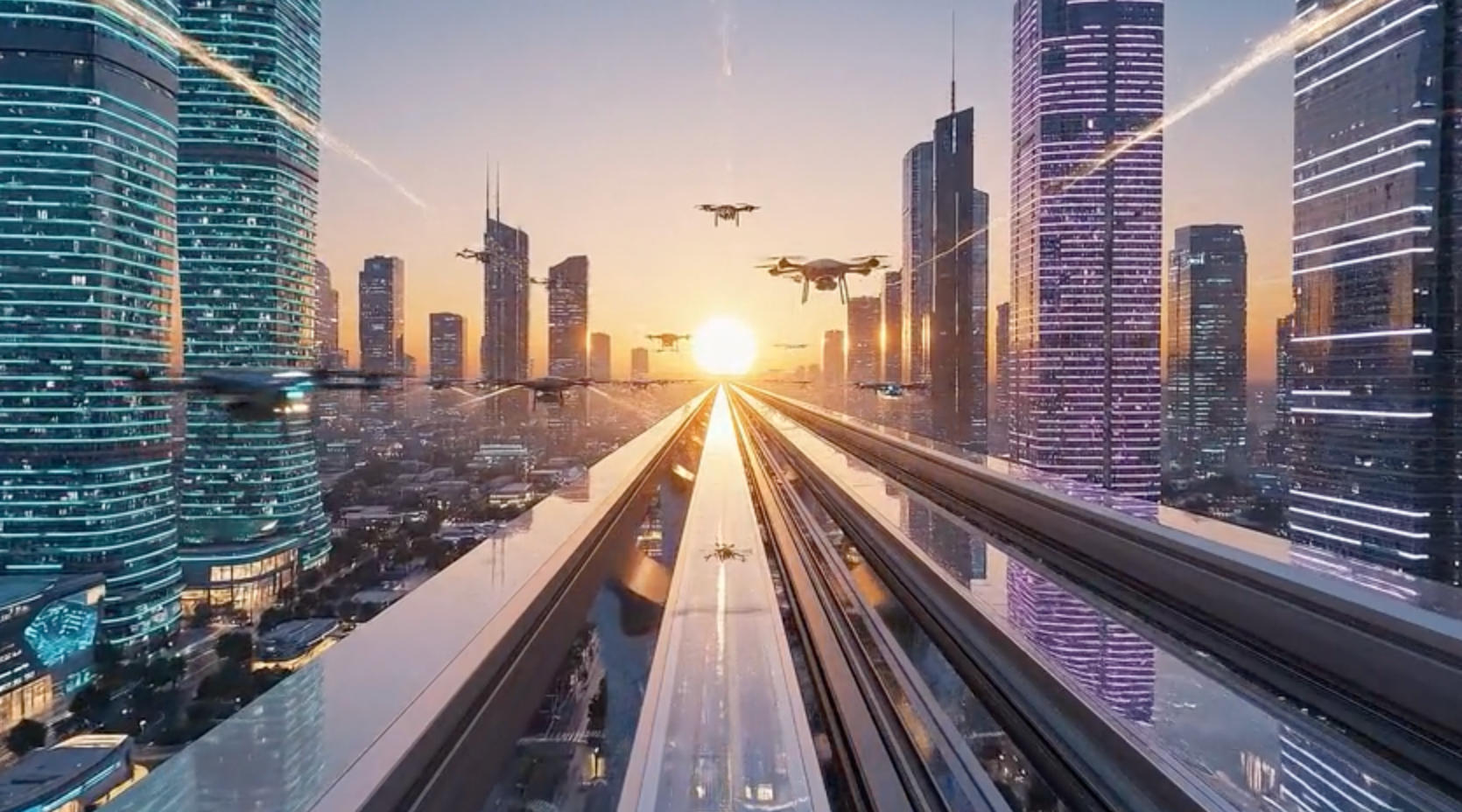
Upload cinematic keyframe
Use a poster, storyboard frame, product scene, or GPT Image 2 key visual with strong depth and a readable subject.
Try AI Movie Generator
Start with a cinematic source image, keep the prompt to one shot direction, then send the preset to Image to Video for generation.
Scenario Prompt
Prompt templates
Each prompt should describe one short action, one camera move, and the details that must remain stable from the uploaded source image.
Best for dramatic trailer-style scenes.
A neo-noir film opening shot, rain on dark city streets, slow dolly-in toward the main character, reflective pavement, practical neon lights, 35mm film grain, tense atmosphere.
Use with landscape or character-in-world keyframes.
A cinematic sci-fi reveal shot, camera slowly cranes up from the hero to a massive futuristic skyline, volumetric light, atmospheric haze, premium concept art realism.
Good for turning a product key visual into an ad-style video.
A premium commercial film shot, slow camera orbit around the subject, controlled studio highlights, subtle background movement, realistic reflections, elegant pacing.
Workflow
The page preloads the scenario prompt and model defaults, while the final generation still happens in the Image to Video tool with credits, history, and uploaded images.
FAQ
These notes cover source images, model choice, safe prompts, and iteration.
It turns a cinematic keyframe, poster, storyboard image, or product scene into a short AI movie-style clip. The workflow is image-to-video, so the uploaded source image anchors the shot.
This page focuses on movie intent: shot type, lens feel, lighting, camera movement, mood, and cinematic continuity. It is better for trailers, storyboards, and concept scenes than random text-only prompts.
Yes. A strong workflow is to create the key visual with GPT Image 2, then bring it into this AI movie generator and animate it with Seedance 2.0 image-to-video.
Specify camera movement, shot size, lens feel, lighting, atmosphere, and the dramatic beat. Shorter prompts usually work better than dense paragraphs when you need stable motion.
Next step
These pages are strongest when they connect source-image creation, scenario presets, and the live generator into one clear path.