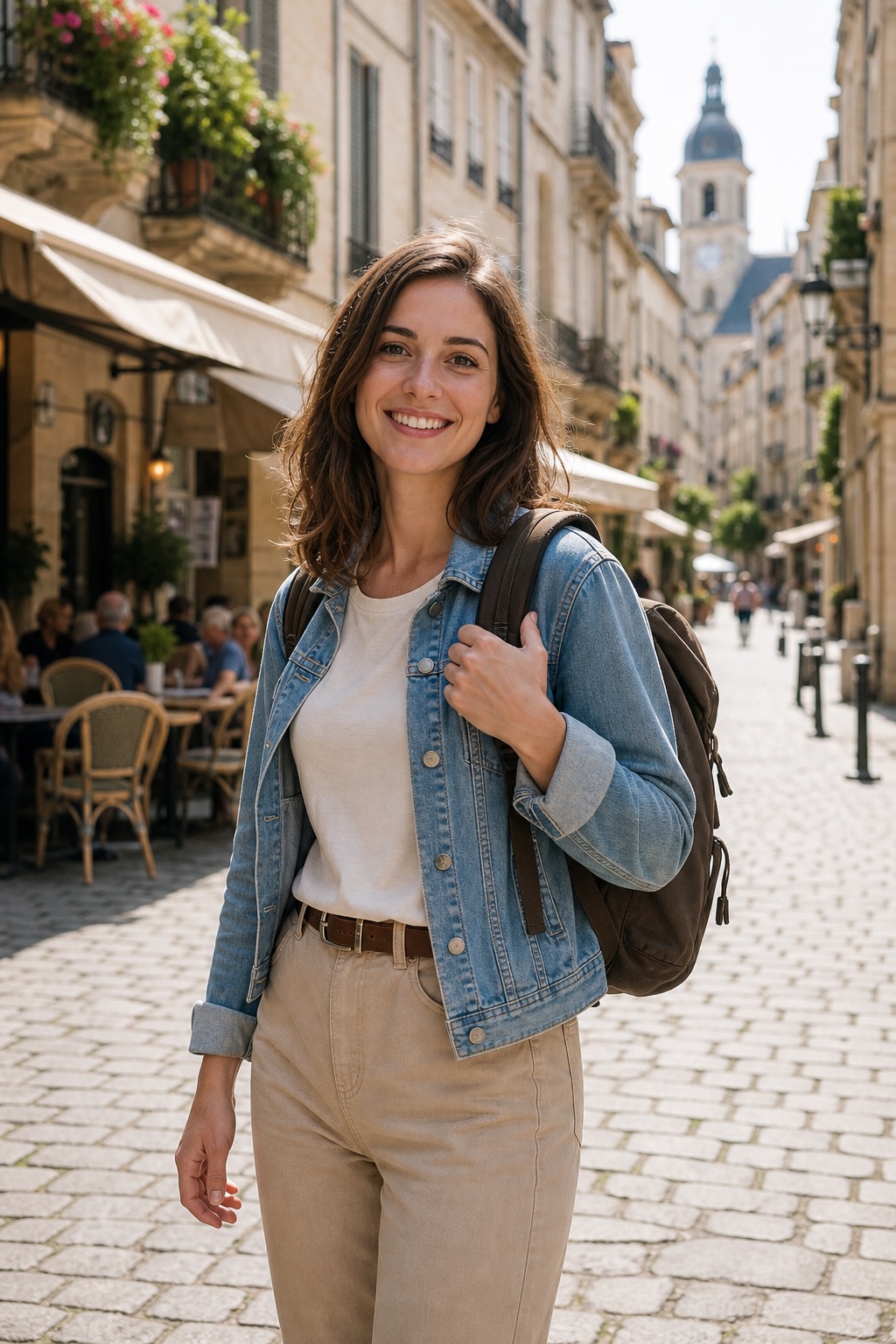
1. Start with a source image
Use your own photo, product shot, anime keyframe, storyboard frame, or a still generated with GPT Image 2.
These prompts animate your uploaded image. They do not create the source image. Pick a motion recipe for movie shots, product videos, anime motion, AI hug, AI kiss, AI dance, talking photos, or social clips, then open Image to Video with a clearer motion plan.
Prompt planner with source-image guidance
Use your own photo, product shot, anime keyframe, storyboard frame, or a still generated with GPT Image 2.
Use the card that matches the motion you want: dolly-in, camera push, orbit, blink, wind, hug, kiss, dance, or parallax.
Use the prompt as motion direction for the uploaded image, then generate a real clip in the image-to-video tool.
Real image-to-video demos
These cards use real generated clips. Start here when you want to see what the image-to-video workflow can actually produce.
AI Kiss Example
Tasteful adult romantic clip
Anime AI Example
Animate a character poster or key visual
Product Video Example
Ecommerce product image to video
Talking Photo Example
Business talking photo
Social Reel Example
Photo to short travel clip
Movie Maker Example
Trailer-style opening shot
Motion prompt recipes
Pure text templates. They do not include example media until we generate a matching source image and video pair.
Trailer-style opening shot
Source image guidance: Use a cinematic keyframe with a clear character silhouette and background depth.
Motion recipeSlow dolly-in toward the main character standing on a rain-soaked neon street, reflective pavement, practical city lights, subtle jacket movement, atmospheric haze, 35mm film grain, tense cinematic mood, stable face and body identity.
Concept film reveal
Source image guidance: Use a wide keyframe with the subject facing a large environment.
Motion recipeCamera slowly cranes upward from the hero toward a vast futuristic skyline, volumetric light, drifting atmospheric particles, subtle clothing movement, premium concept film realism, stable composition, no sudden scene change.
Epic character moment
Source image guidance: Use a subject-centered landscape image with visible sky and foreground depth.
Motion recipeCinematic slow push-in on a lone traveler in a desert landscape, wind moving fabric gently, dust particles in backlight, warm sunset glow, calm epic mood, realistic camera motion, keep character identity stable.
Turn a product keyframe into a film shot
Source image guidance: Use a product key visual with clean reflections and enough background space.
Motion recipePremium commercial film motion, slow camera orbit around the subject, controlled studio highlights, subtle reflection movement, elegant pacing, realistic material response, stable product shape, no logo deformation.
Animate a poster or visual concept board
Source image guidance: Use a poster, collage, or visual board with separated layers, readable headlines, and enough negative space around the composition.
Motion recipeA poster collage assembles from a blank canvas layer by layer, background texture appears first, then paper scraps, photos, headlines, and stickers settle into place, top-down locked camera, clean editorial pacing, keep all text and layout stable.
Animate a character poster or key visual
Source image guidance: Use a clean anime portrait or character key visual with readable eyes.
Motion recipeSubtle anime motion, hair and clothing moving gently in the wind, expressive eyes blink once, soft camera push-in, glowing background particles, clean cel-shaded movement, preserve character style and silhouette.
Turn manga-style art into motion
Source image guidance: Use a manga panel or black-and-white illustration with strong lines.
Motion recipeA manga-style panel comes alive, dramatic eye movement, slight camera shake, speed-line energy, clean inked shadows, subtle motion in hair and clothing, preserve black-and-white style, no new characters.
Magic or fantasy character clip
Source image guidance: Use a fantasy character frame with background depth and simple pose.
Motion recipeFantasy anime scene motion, glowing particles drift around the character, cloak moves in the wind, slow cinematic camera drift, expressive but stable face, detailed background depth, preserve original art style.
Action pose to short reveal
Source image guidance: Use an action pose with visible limbs and clear motion direction.
Motion recipeShort anime action reveal, character turns slightly toward camera, energy streaks in background, subtle camera acceleration, clean silhouette, stable face and costume, no exaggerated body deformation.
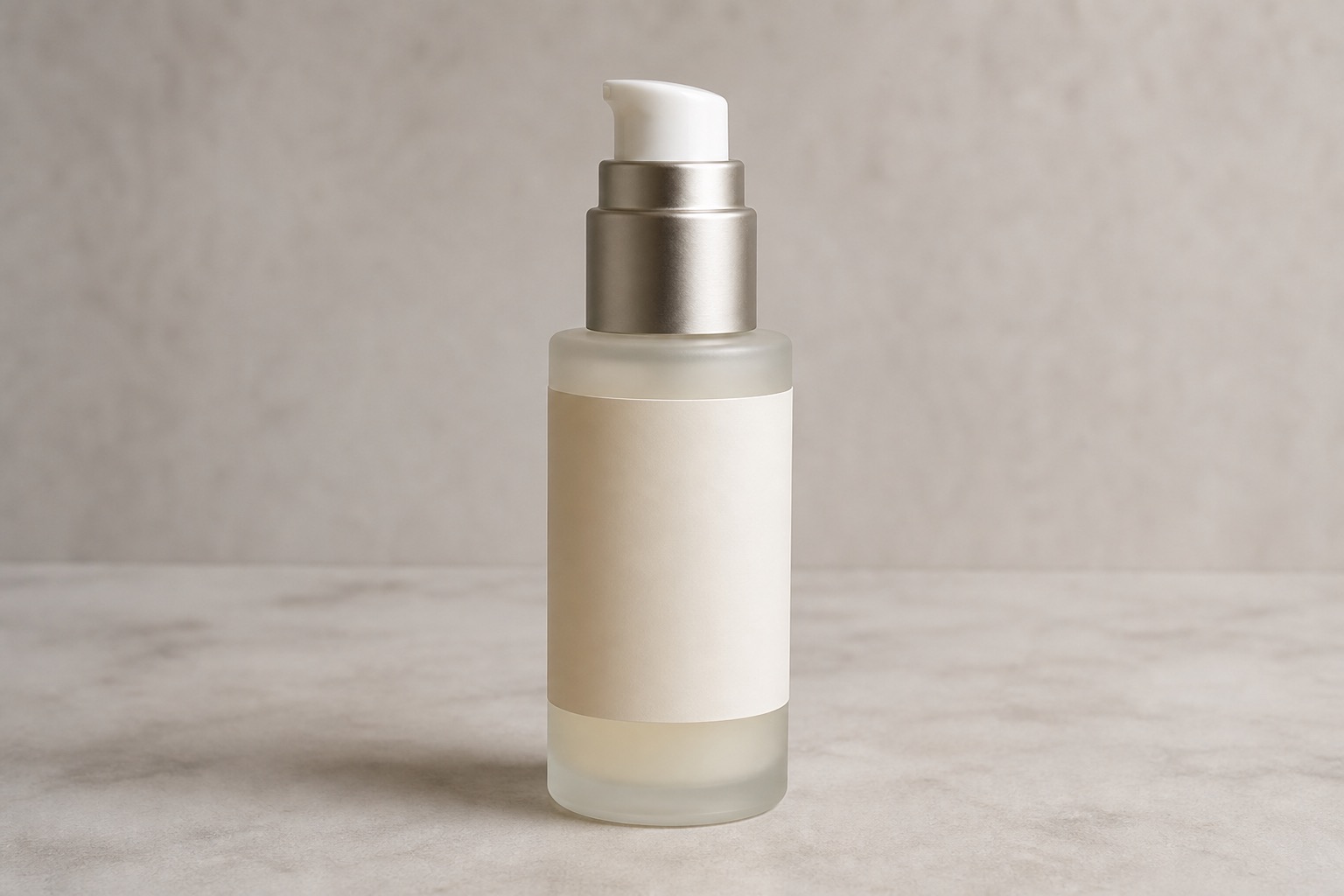
Ecommerce product image to video
Source image guidance: Use a centered product image with simple background and visible edges.
Motion recipeSlow 360 product spin, centered object remains stable, subtle studio reflections, clean ecommerce lighting, soft ground shadow, no shape deformation, no label warping, premium product showcase.
Launch announcement video
Source image guidance: Use a hero product shot with room for camera movement.
Motion recipeElegant product launch reveal, camera slowly pushes in, background light turns on softly, subtle reflection movement, premium commercial pacing, stable product label and geometry, no extra text added.
Multiple products in one scene
Source image guidance: Use a product lineup with enough spacing between objects.
Motion recipeSmooth left-to-right camera sweep across a product packaging lineup, subtle studio reflections, stable labels, consistent lighting, premium retail display feeling, no object merging, no text deformation.
Restaurant or food ad motion
Source image guidance: Use a food image with clear plate edges and simple background.
Motion recipeSubtle food commercial motion, gentle steam rising, soft camera push-in, warm appetizing light, tiny highlights on sauce and plate, realistic motion, preserve food shape and composition.
Restaurant menu hero or plated-dish ad clip
Source image guidance: Use a plated dish or restaurant food image with clear edges, simple background separation, and lighting that already feels premium.
Motion recipeRestaurant ad close-up of the plated dish, slow camera push-in, gentle steam rising, glossy sauce highlights, warm appetizing light, silky commercial motion, preserve the food shape, plate edges, and scene composition.
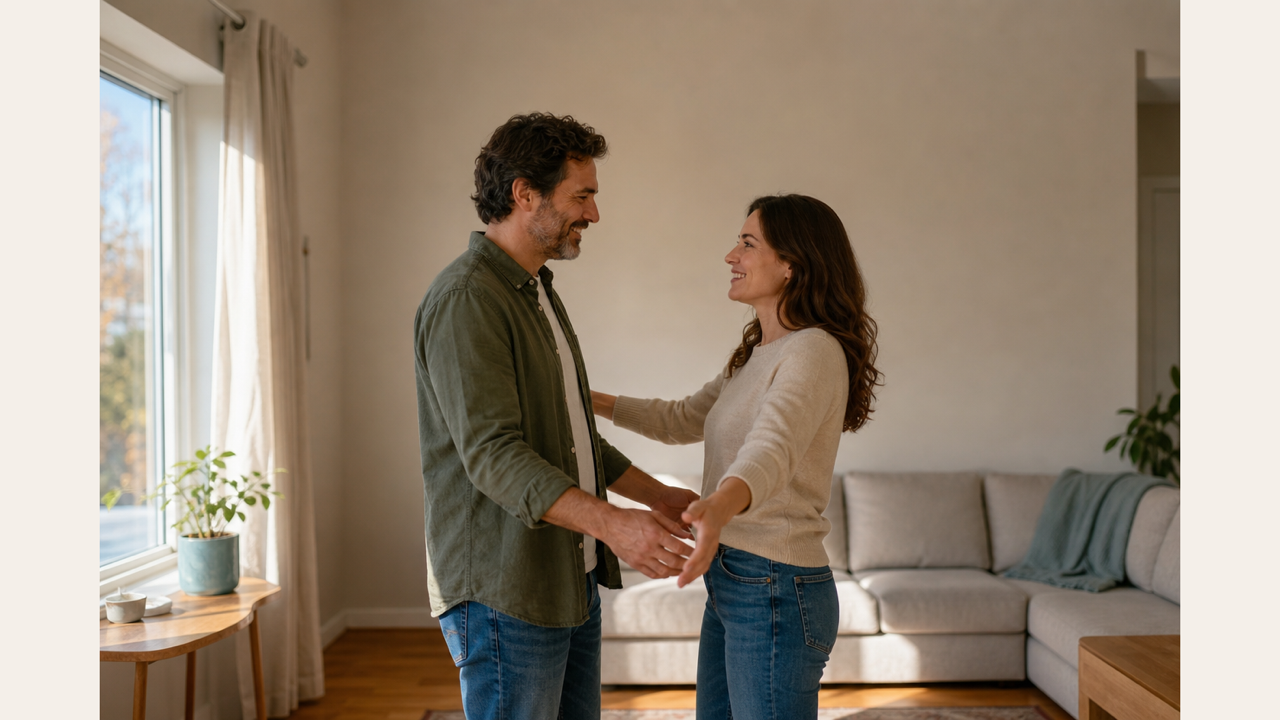
Warm family photo animation
Source image guidance: Use a waist-up photo with both adult subjects visible and enough arm space.
Motion recipeTwo consenting adults share a warm family reunion hug, slow natural arm movement, soft smiles, believable shoulder contact, gentle fabric wrinkles, warm indoor light, respectful emotional tone, stable faces.
Friendly social clip
Source image guidance: Use a clear adult portrait or two-person photo with relaxed posture.
Motion recipeA supportive friendship hug, relaxed posture, subtle laugh, natural hand placement, stable faces, documentary-style camera, soft realistic lighting, non-explicit respectful interaction.
Romantic but non-explicit clip
Source image guidance: Use an adult couple image with visible shoulders and simple clothing.
Motion recipeA gentle romantic hug between two consenting adults, one person leans closer, natural shoulder movement, soft background blur, golden-hour atmosphere, tasteful non-explicit emotion, stable facial identity.
Safer hug prompt when arms distort
Source image guidance: Use when the source image is cropped or arm placement is difficult.
Motion recipeSlow partial embrace, gentle lean-in only, minimal arm movement, natural shoulders, soft smile, stable faces, realistic fabric motion, avoid complex hand movement, respectful warm feeling.
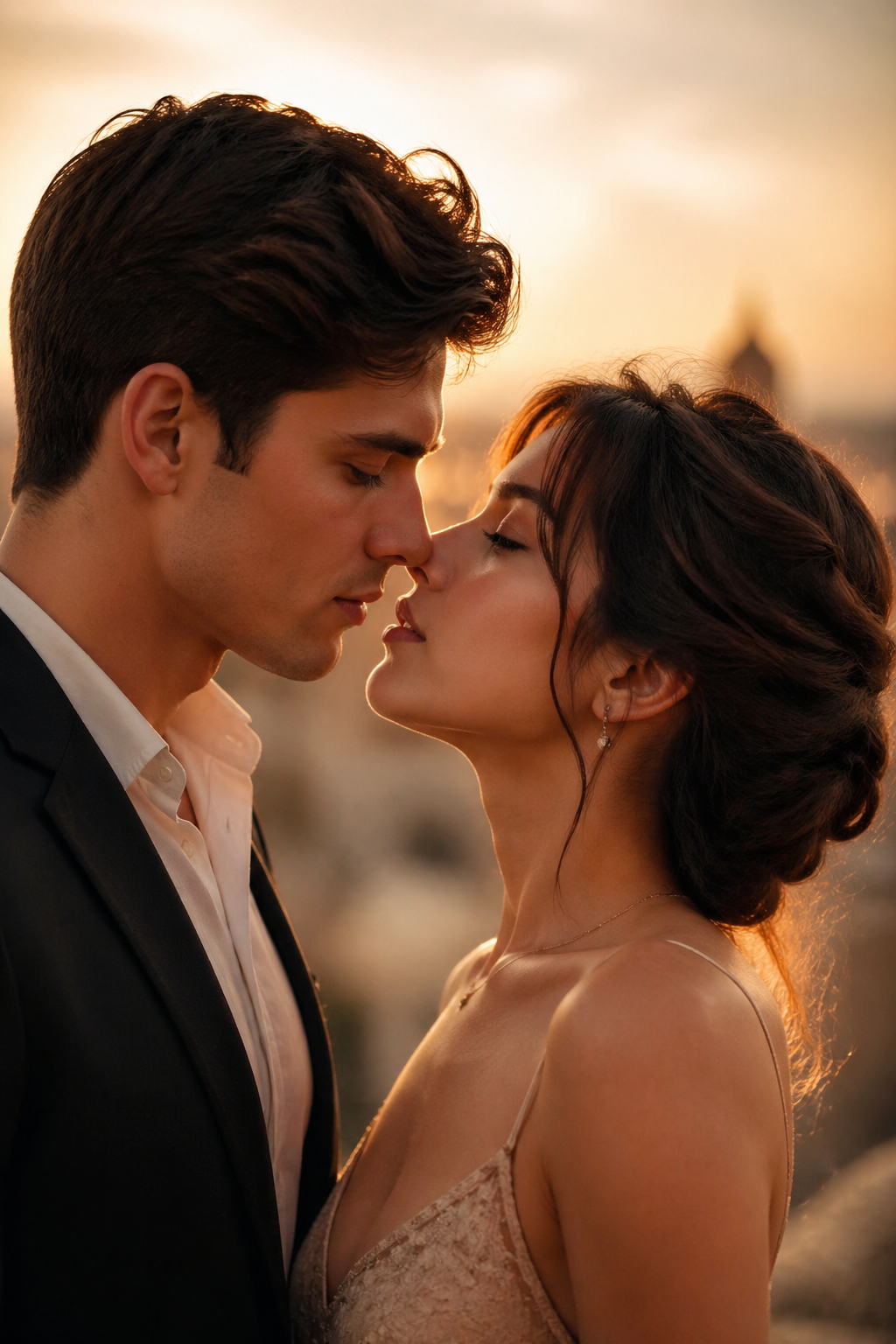
Tasteful adult romantic clip
Source image guidance: Use a clear adult couple photo with similar lighting and visible faces.
Motion recipeTwo consenting fictional adults share a gentle romantic kiss, soft golden-hour light, subtle head movement, natural facial expressions, slow camera push-in, elegant cinematic framing, tasteful and non-explicit.
Wedding-style romantic motion
Source image guidance: Use an adult wedding or formal couple image with visible faces.
Motion recipeA tasteful wedding-style romantic kiss between two consenting adults, delicate smile before contact, shallow depth of field, soft fabric movement, natural hands, emotional slow motion, non-explicit.
Safer close-up motion
Source image guidance: Use only adult subjects and avoid celebrity/public-figure references.
Motion recipeRestrained film close-up of a gentle romantic kiss, realistic skin texture, gentle camera drift, soft background bokeh, no exaggerated movement, premium drama lighting, tasteful and non-explicit.
Lower-risk romantic motion
Source image guidance: Use this when direct kiss motion is unstable or moderation is stricter.
Motion recipeTwo consenting adults move closer in a romantic almost-kiss moment, soft smiles, gentle head movement, warm cinematic light, subtle camera push-in, tasteful non-explicit tone, stable facial identity.
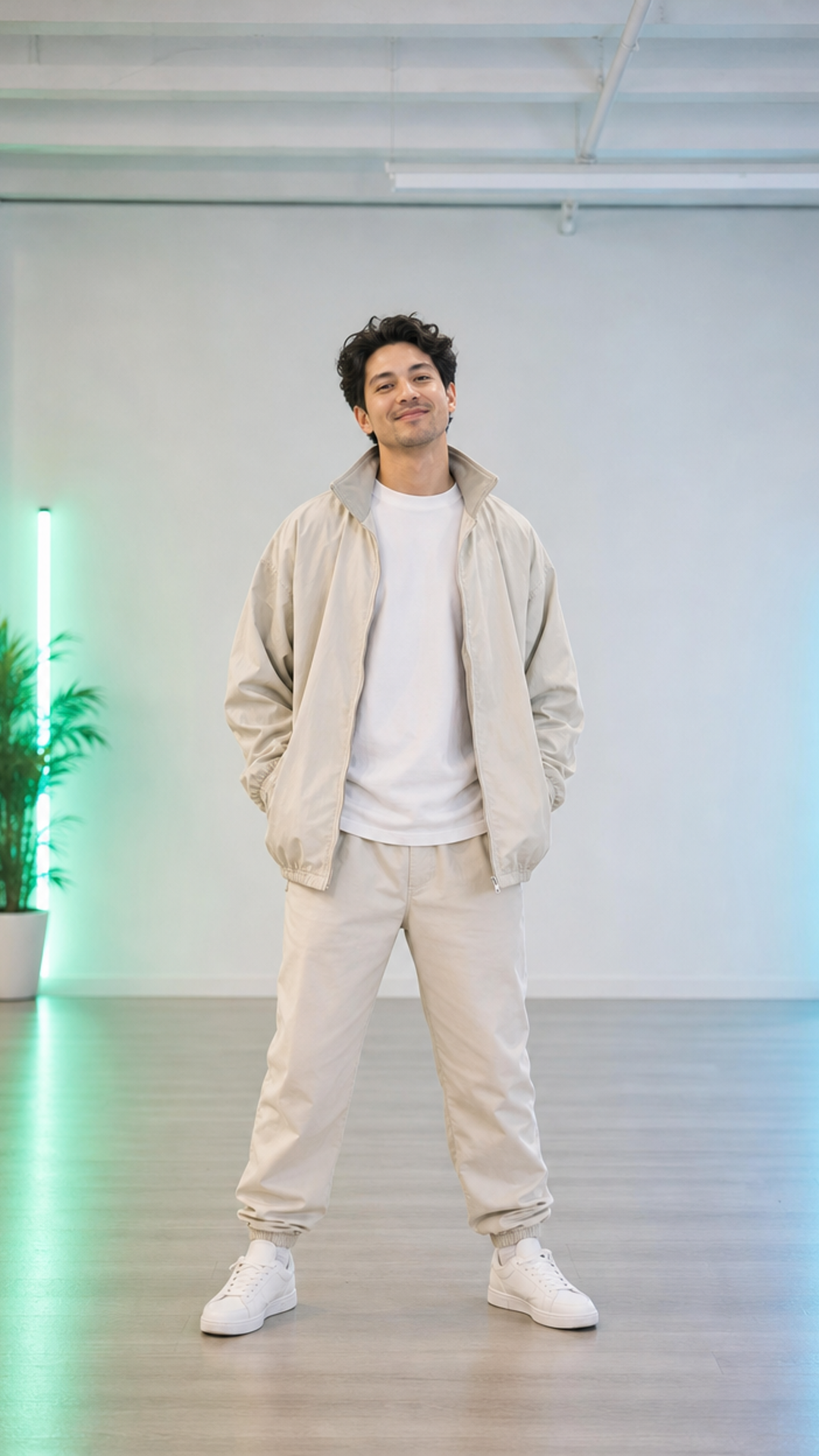
Fun creator clip
Source image guidance: Use a full-body or half-body standing photo with visible arms and legs.
Motion recipeA playful viral social dance, upbeat rhythm, simple footwork, natural upper-body movement, stable face identity, realistic clothing motion, bright studio lighting, non-sexual creator-friendly energy.
Performance-style AI dance
Source image guidance: Use a full-body pose with clear limbs and enough empty space.
Motion recipeA confident stage dance performance, rhythmic arm movement, simple hip-hop footwork, dramatic spotlight, energetic camera movement, consistent character features, realistic body physics, no sexualized movement.
Fix for cropped portraits
Source image guidance: Use when only the upper body is visible and the source image has clear shoulders.
Motion recipeSimple upper-body rhythm, shoulders and arms move gently to the beat, subtle head movement, stable face identity, realistic clothing motion, no complex footwork, upbeat but restrained energy.
Stylized dance clip
Source image guidance: Use stylized art or anime-style character images with a clean silhouette.
Motion recipeStylized upbeat dance clip, expressive pose changes, colorful background lights, rhythmic camera cuts, clean character silhouette, fun performance energy, preserve source art style and outfit.
Business talking photo
Source image guidance: Use a frontal portrait with clear face and neutral expression.
Motion recipeSubtle presenter-style motion, small natural head movement, gentle eye blink, slight mouth movement as if speaking, professional lighting, stable face identity, no exaggerated expression.
Creator interview visual
Source image guidance: Use a seated portrait or studio-style image.
Motion recipePodcast guest motion, subtle nod, natural blink, small smile, slight camera push-in, calm studio atmosphere, realistic face stability, professional interview feeling.
Short intro video
Source image guidance: Use an original fictional avatar or authorized portrait.
Motion recipeFriendly avatar intro motion, small hand gesture, natural blink, slight mouth movement, clean background, welcoming expression, stable identity, no public figure impersonation.
Portrait animation with minimal motion
Source image guidance: Use a portrait with a clear face, visible shoulders, and enough room around the head for a subtle turn without cropping.
Motion recipeThe person makes a subtle head turn toward the camera, gentle eye movement, slight shoulder adjustment, slow camera push-in, realistic portrait motion, stable face identity, soft lighting, no sudden expression change.
Loopable social clip
Source image guidance: Use any clean portrait, product, or scene with a central subject.
Motion recipeShort loopable social clip, slow camera push-in, subtle background movement, natural subject stability, polished creator aesthetic, no sudden cuts, clean ending frame suitable for looping.
Animate a still photo
Source image guidance: Use a photo with clear foreground and background separation.
Motion recipeSubtle parallax photo motion, foreground subject remains stable, background drifts slowly, soft atmospheric depth, gentle camera movement, realistic lighting, no scene replacement.
Emotional still-photo disappearance effect
Source image guidance: Use a seated portrait or memory-style photo with a stable room, chair, or background that should stay unchanged during the fade.
Motion recipeA seated person slowly fades away while staying in the same pose, room stays unchanged, chair and background remain stable, locked camera, quiet cinematic pacing, soft emotional motion, no extra object movement.
Before-after or launch teaser
Source image guidance: Use a clean poster, product, or announcement image.
Motion recipeSoft reveal transition, light sweeps across the subject, subtle camera drift, background glow increases gently, premium launch teaser feeling, keep all text and object shapes stable.
Photo to short travel clip
Source image guidance: Use a travel photo with natural sky, water, or city background.
Motion recipeTravel memory motion, soft wind, gentle camera drift, natural light shimmer, subtle background movement, calm cinematic atmosphere, preserve the original photo composition and subject identity.
Animate a poster or visual card
Source image guidance: Use a poster, infographic, or visual card with clear text and simple layout.
Motion recipeSubtle poster motion loop, slow camera push-in, gentle light sweep across the design, tiny parallax in background shapes, keep all text readable and stable, no layout distortion, clean social media teaser feeling.
Use the prompt library as the middle step: choose a source image workflow first, copy a prompt cluster here, then open the live image to video generator with a clearer motion plan. This is not a bulk prompt page strategy.
Product video prompts work best when the source frame already looks like an ecommerce hero image, launch visual, or packaging scene. These prompts keep commercial intent close to the generator and pricing path.
IMGVID.ai keeps prompts in one useful library to avoid thin duplicate pages. Prioritize US and other high-value markets, clear source-image guidance, and conversion paths over mass-produced long-tail pages.
Use subject, action, camera movement, style, and constraints. Image-to-video works best when the source image already contains the subject and composition.
Use image to video prompts for general source frames, product video prompts for ecommerce assets, character video prompts for portraits or anime, and social video prompts for short creator clips.
Avoid minors, public-figure impersonation, non-consensual romantic content, sexualized dance prompts, real brand logos, and copyrighted characters.
Generate a keyframe, product image, storyboard, or poster with GPT Image 2 first, then use one of these prompts in Image to Video.