
Viral social dance
Good for casual creator content.
AI Dance Video Generator
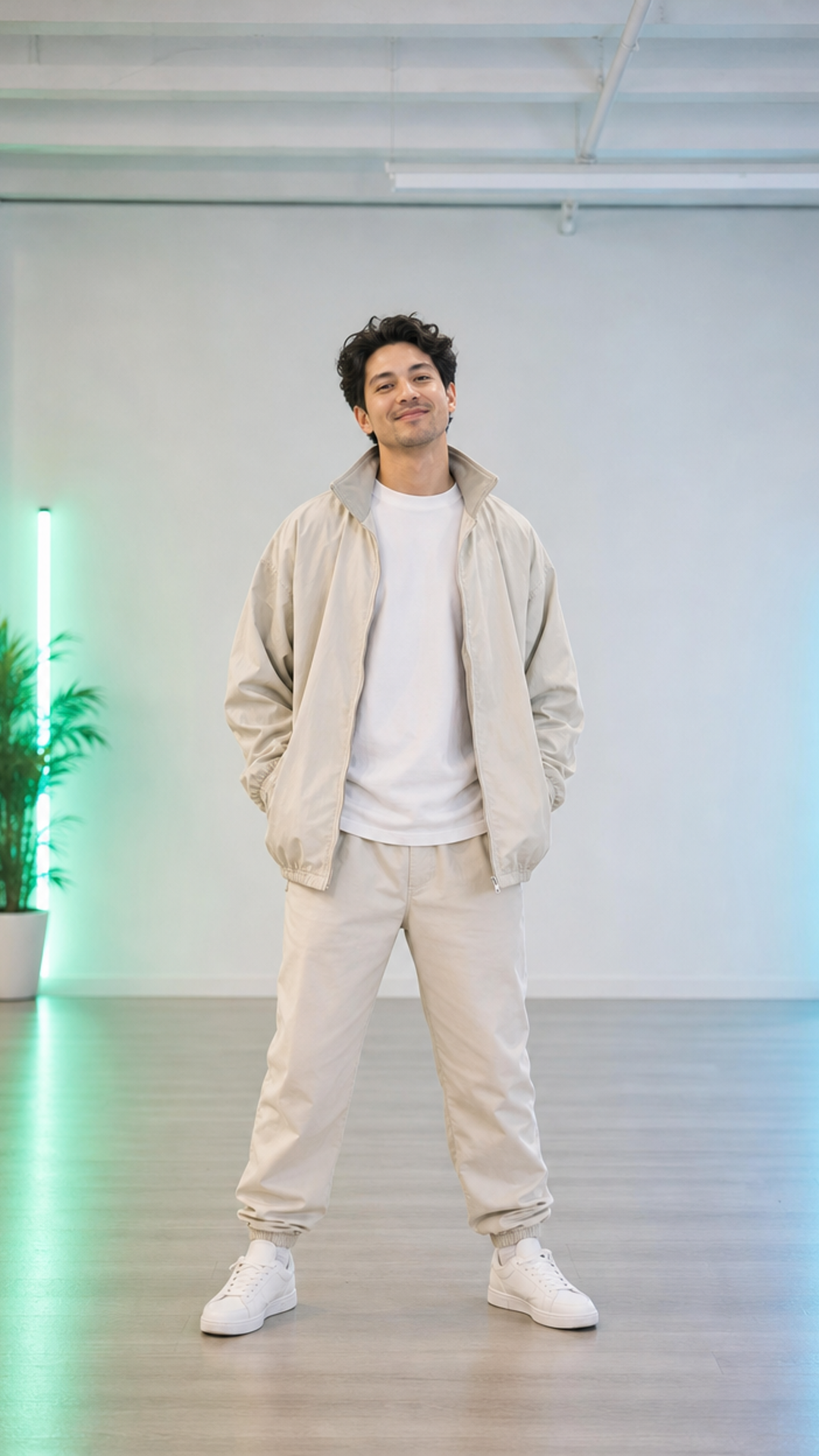
Upload a standing photo and make it dance with a short, creator-friendly AI video workflow. Built for full-body photos, visible limbs, simple non-sexual motion, and 9:16 social clips.
Dance Style Templates
5 creator-safe movesGood for casual creator content.
Use when the source has a full-body pose.
A safer stylized direction for less realistic source images.
Use for polished social clips with a pop-stage feel.
Use when the source photo is cropped above the knees.
Body Guidance
Reduce broken motionVertical full-body or half-body images give the model enough space to move.
Readable limbs make the first dance result much less likely to break.
Headroom, footroom, and side space help the dance stay inside frame.
Keep movement playful, adult-safe, non-sexual, and creator-friendly.
Examples
How It Works
Start with a clear full-body or half-body image.
Pick a simple social, stage, pop, or upper-body rhythm prompt.
Send the preset into image-to-video for a short 9:16 dance clip.
Review the motion, then share the creator-ready result.
FAQ
Yes. Upload a full-body or half-body image, then use this AI dancing video generator to send the source image and prompt into Seedance 2.0 image-to-video.
A standing full-body photo with visible arms and legs works best. Tight face crops can still animate, but they are more likely to produce only head or shoulder movement instead of a complete dance.
Seedance 2.0 Fast is good for quick fun tests. Use Quality when you care more about stable identity, clothing motion, and fewer broken limb movements.
Use playful, non-sexual dance directions such as simple footwork, upbeat rhythm, stage performance, or social dance. Avoid sexualized prompts, minors, or unsafe impersonation.
Related Tools