
Readable face
Keep eyes and silhouette visible for stable anime motion.
Anime image to video workflow
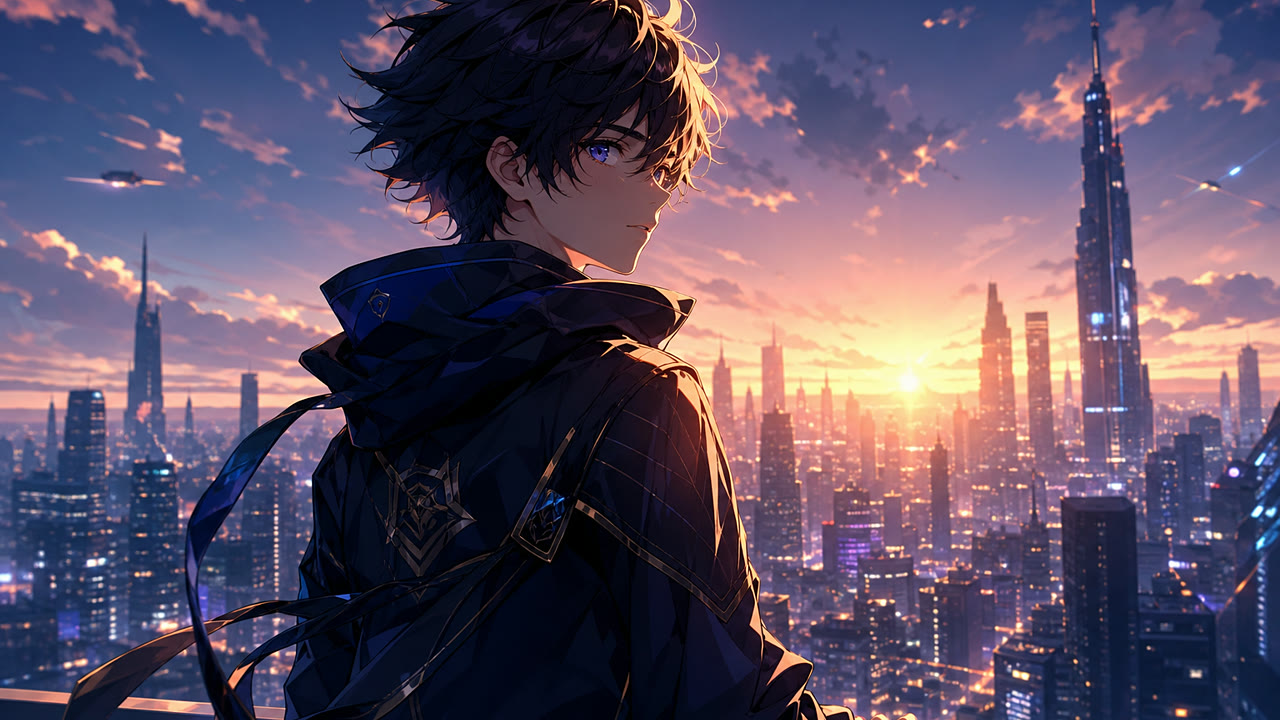
Upload an anime keyframe, manga panel, portrait, or original character image, then animate it into a short clip with controlled hair movement, eye motion, camera drift, and consistent cel-shaded linework.
Keep eyes and silhouette visible for stable anime motion.
Hair, fabric, particles, and camera drift work better than huge action.
Avoid copyrighted characters and describe the motion with general anime terms.
Anime motion stage
Upload anime image
Use a clean original character keyframe, manga panel, anime portrait, or AI-generated key visual. Avoid copyrighted characters and direct studio imitation.
Try Anime Video Generator
Start with an uploaded anime image, keep the prompt to one short motion beat, then send the preset to Image to Video for generation.
Scenario Prompt
Prompt templates
Each prompt should describe one short action, one camera move, and the details that must remain stable from the uploaded source image.
Best for poster-like or character portrait inputs.
An anime key visual comes alive, subtle hair and clothing movement in the wind, expressive eyes, clean linework, soft camera push-in, vibrant background atmosphere.
Use for black-and-white or panel-style source images.
A manga-style panel transforms into a short anime scene, dramatic eye movement, speed-line energy, slight camera shake, clean cel-shaded motion, emotional reveal.
Good for concept art or AI-generated fantasy frames.
A fantasy anime scene, character cloak moves in the wind, glowing magical particles, slow cinematic camera drift, detailed background depth, expressive but stable face.
Workflow
The page preloads the scenario prompt and model defaults, while the final generation still happens in the Image to Video tool with credits, history, and uploaded images.
FAQ
These notes cover source images, model choice, safe prompts, and iteration.
Yes. Upload an anime key visual, manga panel, or character portrait and use this anime image-to-video workflow to create a short animated clip with Seedance 2.0.
Clean character art, manga panels, AI-generated key visuals, and portraits with readable faces work best. Simple backgrounds and clear silhouettes help preserve style consistency.
It is safer to avoid copyrighted character names and direct copying of named studios. Describe the look with general terms such as cel-shaded motion, hand-painted background, fantasy anime atmosphere, or manga panel energy.
Use concise prompts focused on motion, eyes, hair, clothing, camera movement, and atmosphere. If the output changes style too much, remove extra style words and keep the prompt closer to the source image.
Next step
These pages are strongest when they connect source-image creation, scenario presets, and the live generator into one clear path.