ai poster generatorai image poster generatorai poster from imageimage to poster aigpt image 2 poster

From poster to motion poster

AI Poster Generator with GPT Image 2

Create profile posters, product launch posters, movie posters, event visuals, and social-ready poster designs with GPT Image 2. Upload a reference image, add the poster prompt, and generate a new poster that follows both.

Build the static key art first, then animate the strongest poster in Image to Video for trailer reveals, launch clips, and motion-poster loops.

Ready for the big screen.
Animate in Image to Video

Best for users who want a finished visual asset, not a generic image prompt box. Keep poster text concise, provide exact facts, and avoid unverifiable claims.

Poster Example

Big poster preview

2:3 poster
ReferencePromptGenerated
🖼️ AI Poster generated poster example

Describe

Write the poster brief, exact title, layout, and campaign mood.

Generate

Create a motion-ready poster image in GPT Image 2.

Animate

Send the final key art into Image to Video for a motion-poster reveal.

New York city poster

Safe public demo for city promotion, travel poster, and editorial poster searches.

Product launch poster

Good for SaaS, hardware, app, or ecommerce launch visuals.

Movie concept poster

Use as a key visual before generating an AI movie clip.

Generate Your Poster

Edit the preset prompt, upload an optional reference image, then continue in the GPT Image 2 workspace.

Scenario Prompt

Image preset: GPT Image 2 · 2:3 · reference optional

From poster to motion poster

Use the poster as your video-ready source frame

Strong poster pages should not stop at static design. Use the cleanest hero poster as a source frame for Image to Video, then add camera drift, light sweep, title reveal, or cinematic atmosphere without rebuilding the concept from zero.

Poster templates

Use cases that match real poster searches

Start from a narrow poster intent, then turn the best poster into a launch video, profile clip, or cinematic reveal.

New York city poster

Safe public demo for city promotion, travel poster, and editorial poster searches.

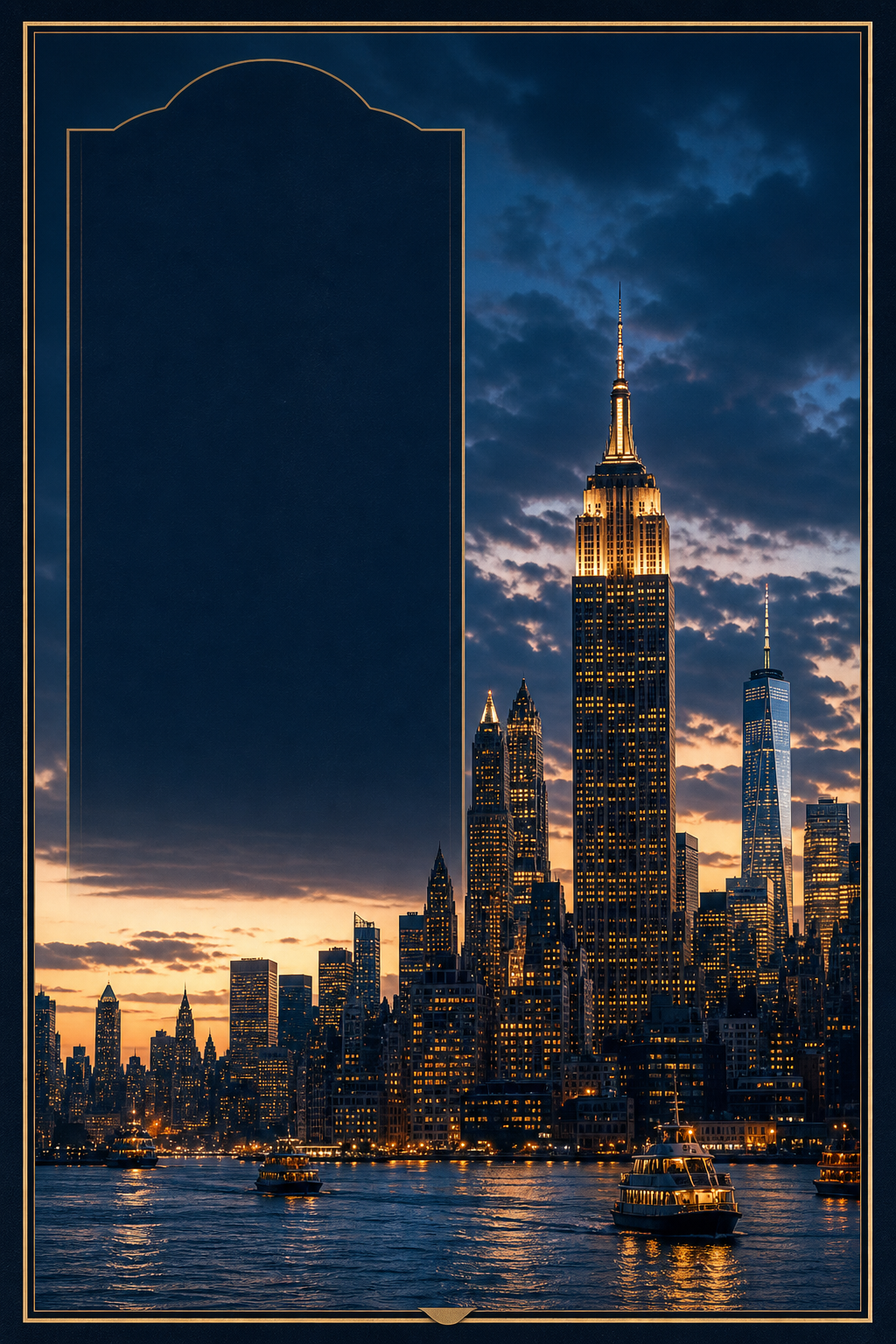
Create an original premium city promotion poster for New York City, vertical 2:3 poster, large title NEW YORK IN MOTION, cinematic skyline turning from golden hour to neon night, abstract Manhattan street grid, yellow taxi silhouettes, bridge lines, glass towers, steam, navy amber chrome palette, editorial travel magazine typography, no official NYC tourism logos, no I LOVE NY logo, no MTA logos, no real brand signage.

Product launch poster

Good for SaaS, hardware, app, or ecommerce launch visuals.

Create a minimal product launch poster, one hero product in the center, dramatic soft studio lighting, concise headline, three short feature callouts, premium Apple-style spacing, matte dark background, high-end commercial design.

Movie concept poster

Use as a key visual before generating an AI movie clip.

Create a cinematic movie concept poster, one dramatic hero silhouette, atmospheric background depth, bold title typography, restrained credits block, 35mm film texture, premium theatrical composition, no copyrighted franchise names.

Prompt Guide

How to write a good AI poster prompt

A poster prompt works best when it reads like a creative brief. Define the purpose, exact text, layout, style, and safety limits before asking GPT Image 2 to design it.

  • Input: a reference photo, brand asset, or brief that the poster should respect.
  • Subject: person, product, event, movie concept, or announcement.
  • Text: title, subtitle, short callouts, and anything that must stay exact.
  • Layout: A4, 2:3 poster, social card, magazine cover, or launch visual.
  • Style: typography, palette, lighting, texture, and visual hierarchy.
  • Limits: no fake awards, fake metrics, unauthorized logos, or copied IP.

FAQ

AI poster generation questions

These notes cover the common GPT Image 2 poster workflow: reference images, readable text, prompt structure, and commercial safety.

What makes GPT Image 2 useful for AI poster generation?

GPT Image 2 is strong at layout, typography, reference-image use, and commercial poster composition. That makes it better suited for poster workflows than a generic image prompt page.

Can I upload a photo for an AI poster?

Yes. Upload a reference image when you need the poster to preserve a person, product, object, or visual style. The prompt should clearly say how the reference should be used.

What poster prompts work best?

Mention the poster purpose, title, subject, layout, color palette, typography style, image ratio, and what claims should not be invented. Short structured prompts usually work better than vague requests.

What content should I avoid?

Avoid NSFW content, public-figure impersonation, copyrighted characters, fake endorsements, fake awards, and unverifiable numbers. Keep poster content safe and commercially usable.

AI Poster Generator - Create GPT Image 2 Posters Online | IMGVID.ai