
Example Showcase
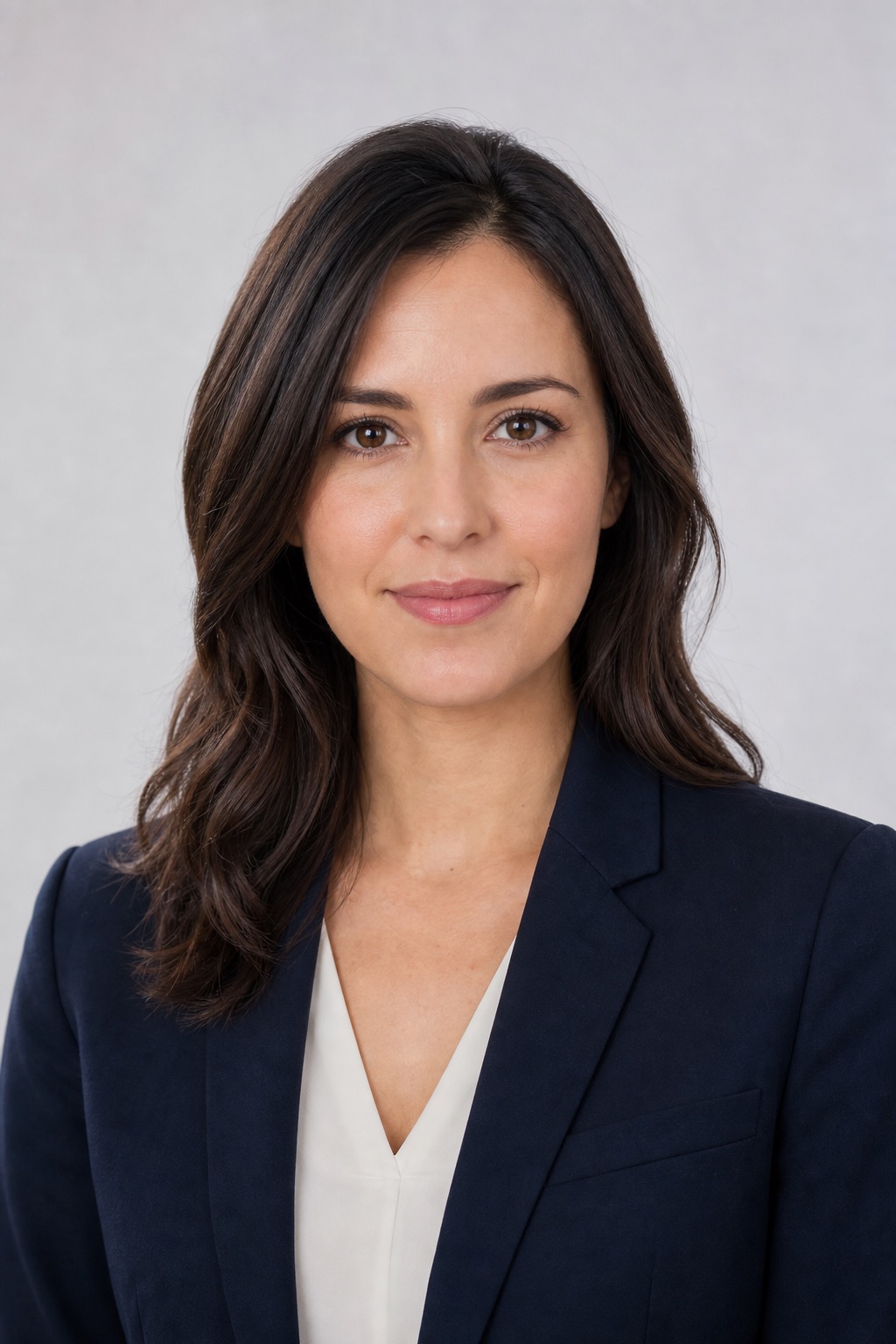
Example result using our 👤 Talking Head preset.
Prompt examples
Short social message
Best for short creator updates and social clips.
Make this photo talk naturally and say: "I have a quick update for you." Stable face identity, realistic lip sync, slight eye movement, calm head motion, soft lighting, clean talking photo AI video.
Training avatar intro
Use for business, education, and onboarding examples.
Create a professional talking head video from this portrait. The person says: "Welcome to this quick training session." Clear articulation, steady eye contact, subtle facial expression, clean background, business avatar style.
Funny reaction line
Good for light reaction videos without impersonation.
Make this portrait react with a small smile and say: "Wait, did that really just happen?" Natural mouth movement, gentle eyebrow motion, stable face identity, short speaking photo video, non-deceptive parody style.
Scenario Prompt
Scenario
AI Talking Head Generator for Talking Photo Videos
This AI talking head generator is for users who want to make a photo talk, create a speaking photo video, or test a short avatar-style message from one uploaded portrait. It focuses on stable face identity, natural mouth movement, short scripts, and safe consent-based use.
Search intent
Users searching for AI talking head generator, talking photo AI, make a photo talk, speaking photo video, or lip sync photo generator usually have a portrait and a short sentence they want the person to say. They care about whether the mouth movement looks natural, whether the face stays stable, and whether the result is usable for a social clip, training message, or avatar-style video.
Best source images
Use a front-facing portrait with visible mouth, eyes, and jawline. Short scripts work better than long paragraphs. Use your own image, licensed avatar, or a person who gave permission. Avoid celebrity impersonation requests, fake endorsements, political deception, minors, and claims that a synthetic clip is real.
How it works
- Upload a clear portrait with visible mouth, eyes, and enough headroom for subtle movement.
- Write one short sentence for the talking photo instead of a long script.
- Use Seedance 2.0 image-to-video for a quick speaking-photo test, then compare mouth stability and face identity.
- If lip sync looks unstable, shorten the line, reduce head movement, and keep the camera nearly still.
FAQ
Can I make a photo talk with AI?
Yes. Upload a clear portrait, write a short line, and use the image-to-video prompt to create a talking photo AI clip with subtle mouth, eye, and head movement.
What input photo works best for a speaking photo video?
Use a front-facing portrait with visible mouth, eyes, and jawline. Avoid blurry faces, covered mouths, extreme angles, and very long scripts.
Does this create perfect lip sync?
This workflow is useful for short talking head tests, but long dialogue can drift. Keep the sentence short and reduce extra head movement when mouth accuracy matters.
What content should I avoid?
Use images you own or have permission to use. Do not create deceptive endorsements, political impersonation, non-consensual clips, or content that claims a synthetic video is a real recording.