
Example Showcase
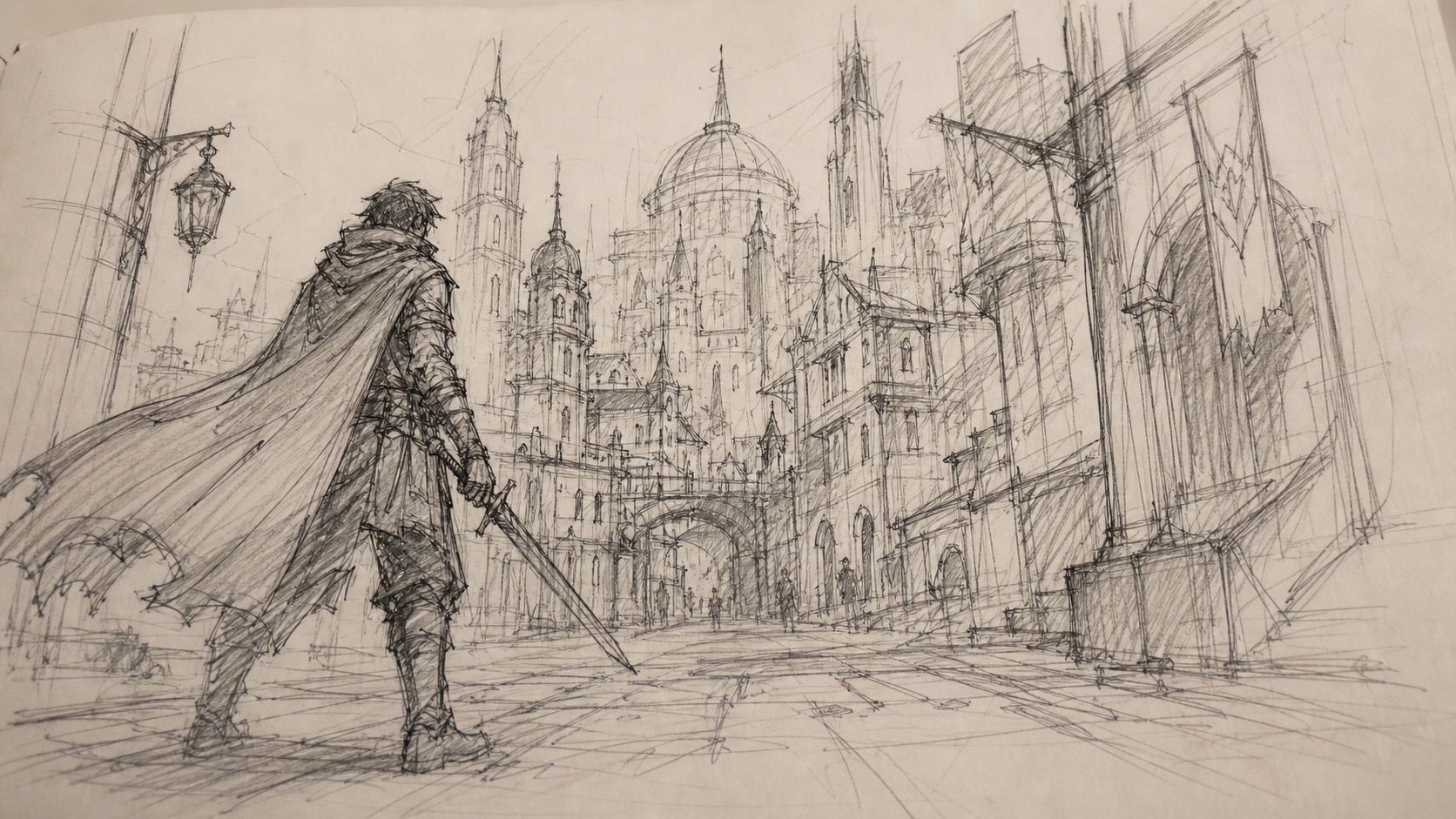
Example result using our 🎨 Sketch Animator preset.
Prompt examples
Storyboard panel motion
Best for storyboard to video and previsualization workflows.
Animate this storyboard panel into a short cinematic preview, preserve the original sketch composition, slow camera push-in, subtle parallax depth, soft pencil texture, light wind movement, no redesign, no extra characters.
Character sketch animation
Use for original characters, mascots, and concept art.
Animate the character sketch with a small head turn and fabric movement, keep the exact character design, preserve line art, add gentle hand-drawn motion, clean background, short image-to-video clip.
Product concept sketch reveal
Good for product sketches and early design presentations.
Turn this product concept sketch into a moving design preview, preserve the drawing lines, slow orbit camera feel, subtle shadow and paper texture, simple reveal motion, no label changes, no invented brand marks.
Scenario Prompt
Scenario
Sketch to Video AI for Drawings and Storyboards
This sketch to video AI workflow turns a pencil sketch, digital drawing, concept frame, or storyboard panel into a short motion preview. It is meant for artists, storyboarders, game creators, and visual planners who want to animate a sketch without rebuilding the scene from scratch.
Search intent
Users searching for sketch to video AI, drawing to video AI, animate a sketch, or storyboard to video usually already have a rough visual idea. They want to see whether a character pose, product concept, scene composition, or storyboard panel can become a short moving clip while preserving the original lines and design intent.
Best source images
Use a clear sketch with one main subject, readable silhouette, enough empty space around the action, and simple linework. Pencil drawings, digital drawings, manga-style panels, product sketches, and storyboard frames work well. Avoid crowded sheets, tiny annotations, copyrighted characters, or requests that completely replace the original drawing.
How it works
- Upload a clean sketch, drawing, concept frame, or storyboard panel as the source image.
- Describe one motion beat such as camera push-in, hair movement, object reveal, parallax depth, or a short character gesture.
- Use Seedance 2.0 image-to-video with a short prompt so the original lines and composition stay recognizable.
- If the sketch changes too much, reduce the prompt to subtle motion and stronger preserve-the-original-linework instructions.
FAQ
Can I animate a sketch with AI?
Yes. Upload a clear sketch or drawing, then use an image-to-video prompt that asks for one simple motion beat while preserving the original linework and composition.
What drawings work best for sketch to video AI?
Clean sketches with one main subject, readable outlines, simple backgrounds, and enough space for movement work best. Very crowded pages or tiny annotation-heavy drawings are harder to animate cleanly.
Is this different from a generic image to video page?
Yes. The sketch workflow focuses on preserving rough lines, storyboard composition, pencil texture, and concept-art intent instead of treating the upload like a finished photo.
How do I keep the sketch from changing too much?
Use short prompts with phrases like preserve original linework, keep the same composition, no redesign, and one subtle camera movement. Complex action prompts make sketches drift more.