Example Showcase
Reference recipe
Start with a short brief: poster purpose, subject, title, subtitle, brand mood, color direction, and output ratio. Upload a reference image when identity, product shape, or brand style matters. Avoid celebrity impersonation, copyrighted characters, fake endorsements, and unverified awards or claims.
Expected image direction
Useful for investor, founder, expert, and speaker profile posters.
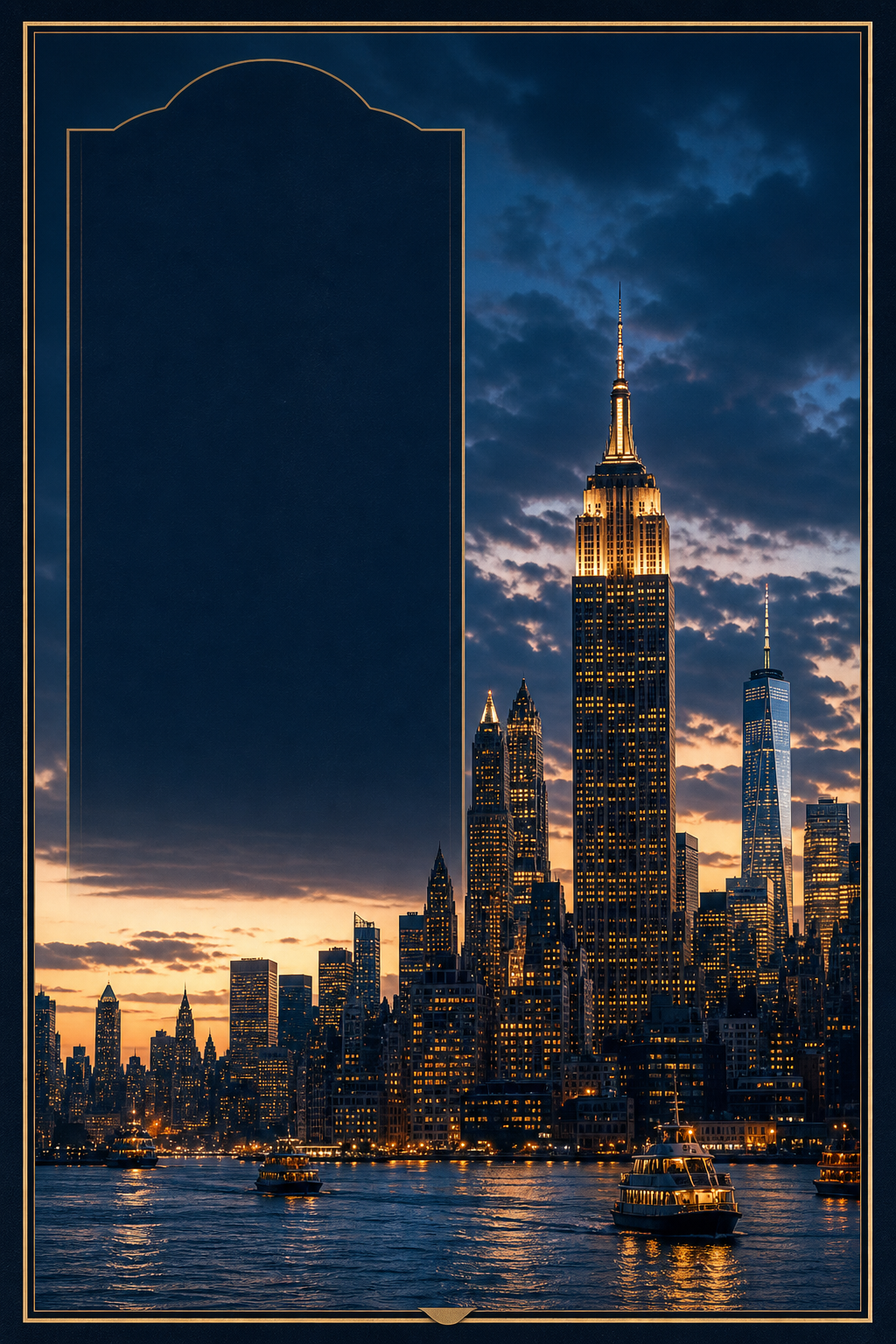
Example result using our 🖼️ AI Poster preset.
Business profile poster
Useful for investor, founder, expert, and speaker profile posters.
Create a premium A4 vertical business profile poster, large editorial portrait area, structured blocks for background, ideas, articles, and keywords, navy-black background with subtle gold accents, clean Chinese typography, no fake awards or unverifiable claims.
Product launch poster
Good for SaaS, hardware, app, or ecommerce launch visuals.
Create a minimal product launch poster, one hero product in the center, dramatic soft studio lighting, concise headline, three short feature callouts, premium Apple-style spacing, matte dark background, high-end commercial design.
Movie concept poster
Use as a key visual before generating an AI movie clip.
Create a cinematic movie concept poster, one dramatic hero silhouette, atmospheric background depth, bold title typography, restrained credits block, 35mm film texture, premium theatrical composition, no copyrighted franchise names.

Scenario Prompt
Scenario
Use this AI poster generator when you need a high-quality image output rather than a video clip. It is built around GPT Image 2 strengths: strong layout, readable text, commercial poster composition, and reference-image guided design.
This image scenario page is ready to use: start with the prompt preset, upload an optional reference image, and generate a GPT Image 2 result from the live workflow.
Users searching for an AI poster generator or GPT Image 2 poster workflow want a finished visual asset, not a generic prompt box. They want to create a poster for a product launch, profile page, event, movie concept, social post, or business announcement with clean typography and a usable layout.
Start with a short brief: poster purpose, subject, title, subtitle, brand mood, color direction, and output ratio. Upload a reference image when identity, product shape, or brand style matters. Avoid celebrity impersonation, copyrighted characters, fake endorsements, and unverified awards or claims.
GPT Image 2 is strong at layout, typography, reference-image use, and commercial poster composition. That makes it better suited for poster workflows than a generic image prompt page.
Yes. Upload a reference image when you need the poster to preserve a person, product, object, or visual style. The prompt should clearly say how the reference should be used.
Mention the poster purpose, title, subject, layout, color palette, typography style, image ratio, and what claims should not be invented. Short structured prompts usually work better than vague requests.
Avoid NSFW content, public-figure impersonation, copyrighted characters, fake endorsements, fake awards, and unverifiable numbers. Keep poster content safe and commercially usable.